
Serving Sydney, Newcastle & Central Coast NSW

Contact Us Today 1300 453 878

Tom Rogers

7 Mistakes You’re Making with Microsoft 365 Security

Microsoft 365 has become the backbone of modern business operations, but with great power comes great responsibility. While the platform offers robust security features, many organizations unknowingly leave themselves vulnerable through common misconfigurations and oversights.

The reality is that over 60% of successful cyberattacks target cloud environments like Microsoft 365, often exploiting preventable security gaps. The good news? Most of these vulnerabilities can be addressed with proper configuration and ongoing management.

Let’s walk through the seven most critical mistakes we see businesses making with their Microsoft 365 security, and how you can fix them.

1. Weak or Missing Multi-Factor Authentication for Admin Accounts

Your admin accounts are the crown jewels of your Microsoft 365 environment, yet we regularly encounter organizations where these critical accounts lack proper MFA protection.

Why this matters: Microsoft’s own data shows that 99.9% of compromised accounts had MFA disabled. When an admin account is breached without MFA protection, attackers gain unrestricted access to your entire digital environment, emails, files, user accounts, and sensitive data.

image_1

How Innov8 IT fixes this:
We implement comprehensive MFA enforcement through Conditional Access policies, starting with all admin roles. Our approach goes beyond basic SMS-based authentication, utilizing authenticator apps and hardware tokens for the highest level of protection. We also establish emergency access procedures to prevent lockouts while maintaining security.

Your next steps:

  • Navigate to the Microsoft Entra admin center
  • Create Conditional Access policies requiring MFA for all admin accounts
  • Consider upgrading to hardware-based authentication for your most privileged users

2. Legacy Authentication Protocols Remain Enabled

Many organizations unknowingly leave the front door unlocked by maintaining legacy authentication protocols like POP3, IMAP, and basic SMTP authentication.

Why this creates risk: These older protocols don’t support modern authentication mechanisms, including MFA. Even when you’ve enabled MFA across your organization, these protocols provide a backdoor that bypasses your security measures entirely.

How Innov8 IT addresses this:
We conduct comprehensive authentication audits to identify all legacy protocol usage across your environment. Our team then systematically migrates users to modern authentication while ensuring business continuity. We also implement monitoring to detect any attempts to use legacy protocols post-migration.

Your action plan:

  • Review your Exchange Online authentication policies
  • Identify which users and applications still rely on legacy protocols
  • Plan a migration timeline to modern authentication
  • Disable unnecessary legacy protocols once migration is complete

3. Global Admin Privileges Assigned Too Broadly

We frequently encounter organizations where multiple users hold global administrator privileges for convenience, creating unnecessary risk exposure.

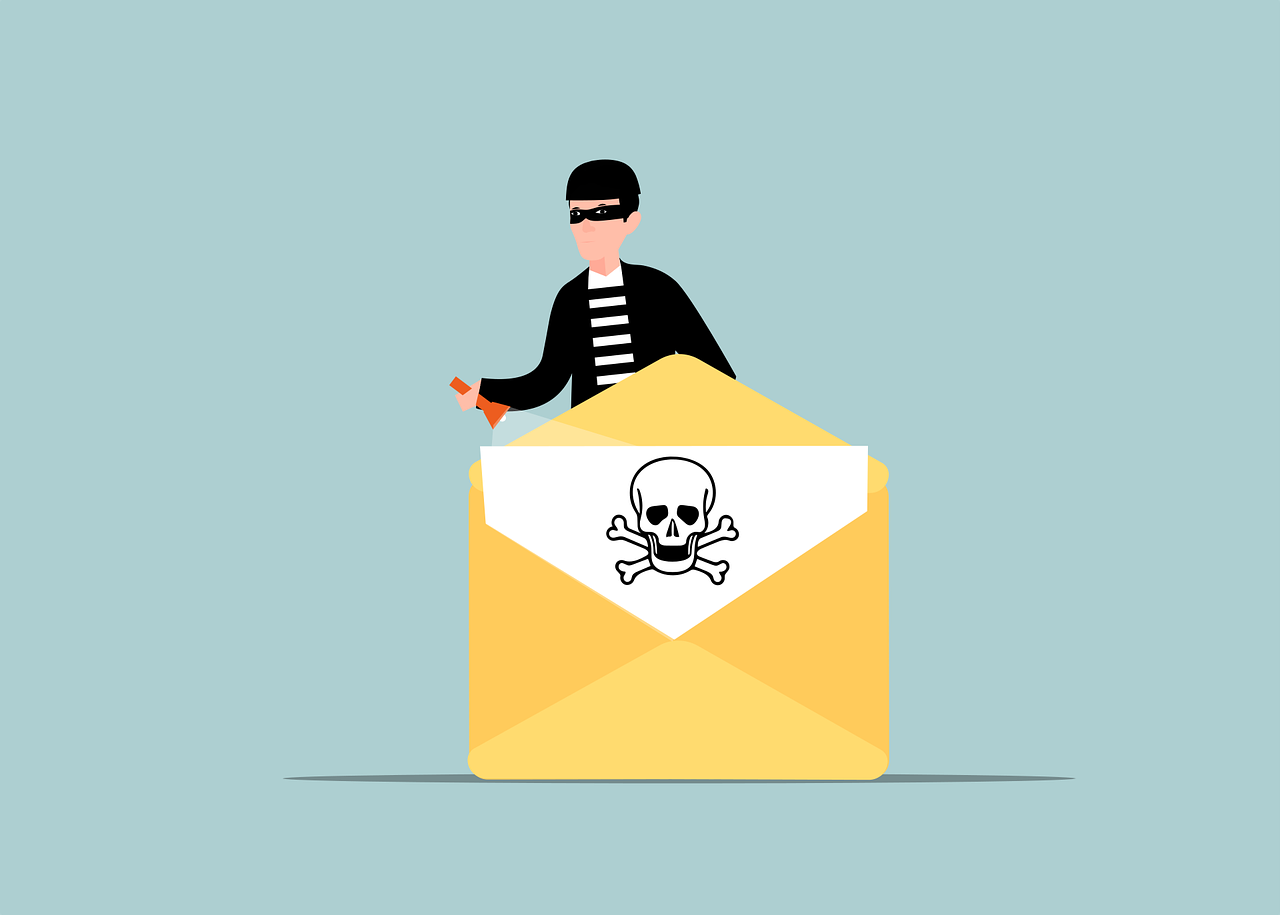
The security concern: Global admin accounts have unrestricted access to your entire Microsoft 365 environment. If any one of these accounts is compromised, attackers can delete data, create backdoors, steal information, or deploy ransomware across your entire organization.

image_2

Innov8 IT’s approach:
We implement strict role-based access control following the principle of least privilege. Our team conducts regular access reviews, assigns specific administrative roles rather than global admin permissions, and establishes procedures for temporary privilege elevation when needed.

Implementation steps:

  • Audit current global admin assignments
  • Replace broad permissions with specific role assignments (Exchange admin, SharePoint admin, etc.)
  • Establish just-in-time admin access procedures
  • Require separate admin accounts for administrative tasks

4. Overly Permissive External Sharing Settings

SharePoint, OneDrive, and Teams often default to sharing settings that prioritize collaboration over security, creating unintended data exposure risks.

Why this matters: “Anyone with the link” sharing can result in sensitive documents being accessible to unauthorized individuals. Even well-intentioned employees can accidentally share confidential information publicly or with competitors.

How we secure external sharing:
Innov8 IT implements tiered sharing policies based on data sensitivity. We configure SharePoint and OneDrive to require authentication for external sharing, establish expiration dates for shared links, and implement data loss prevention policies to prevent sharing of sensitive information.

Your configuration checklist:

  • Review SharePoint admin center sharing settings
  • Restrict external sharing to authenticated users only
  • Set automatic expiration dates for external shares
  • Train users on secure sharing practices

5. Unmonitored Email Forwarding Rules

Email forwarding rules can be legitimate business tools, but they’re also a favorite technique for data exfiltration that often goes undetected for months.

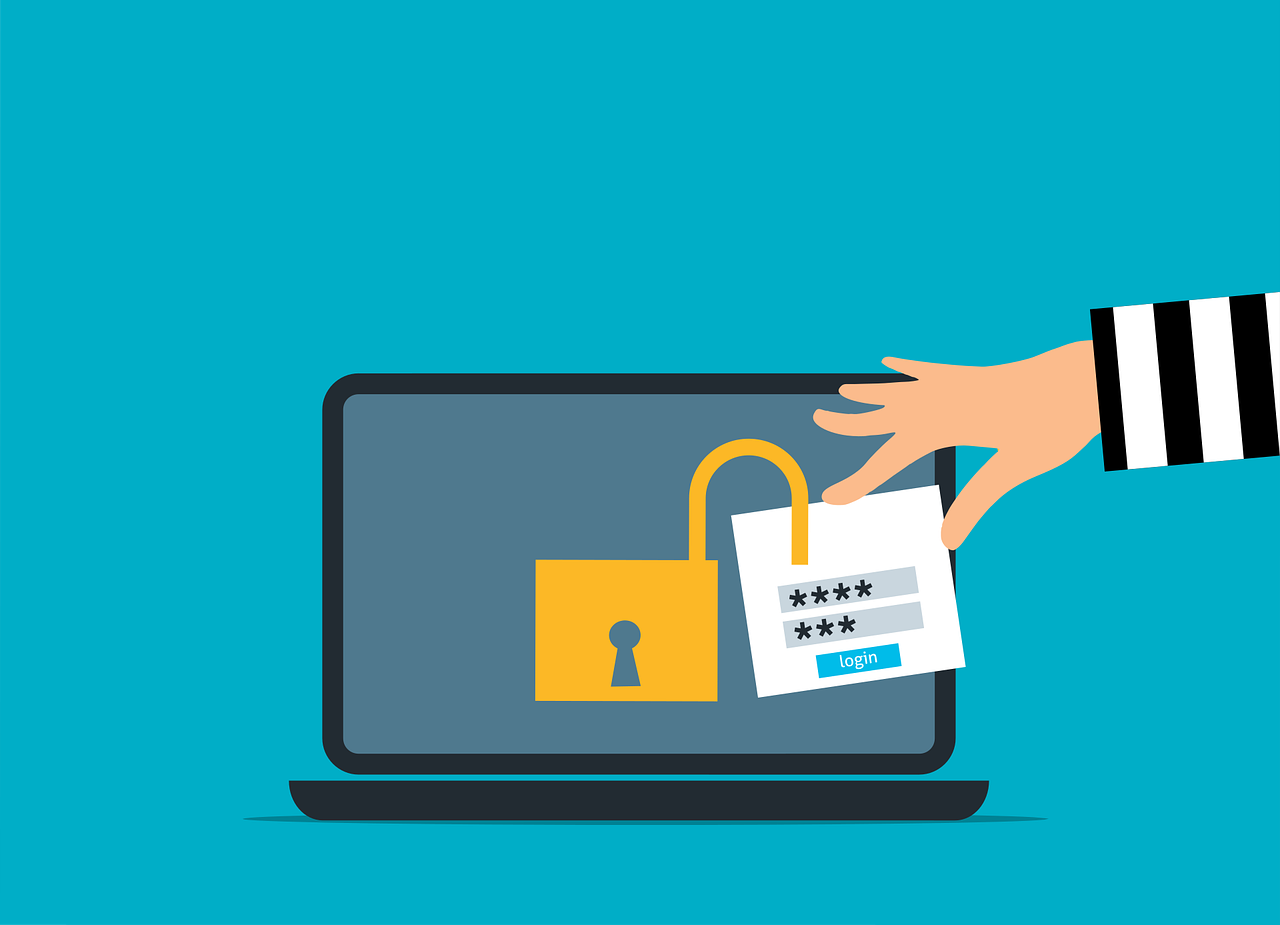
The hidden danger: Attackers frequently establish automatic forwarding rules to external email addresses, silently copying all incoming and outgoing emails. This provides ongoing access to sensitive communications, business intelligence, and potential credentials.

image_3

Our monitoring solution:
We implement comprehensive email forwarding monitoring through Microsoft Defender for Office 365. Our system alerts administrators to suspicious forwarding activity, blocks automatic forwarding to untrusted external domains, and maintains audit trails of all forwarding rule changes.

Prevention measures:

  • Disable automatic forwarding in your anti-spam outbound policy
  • Configure alerts for suspicious forwarding rule creation
  • Regularly audit existing forwarding rules
  • Train users to report suspicious email behavior

6. Weak Password Policies and Inactive User Management

Many organizations rely on outdated password requirements while failing to properly manage user lifecycle, creating multiple attack vectors.

Security implications: Weak passwords are easily compromised through brute force attacks, while inactive accounts provide persistent access points for former employees or forgotten service accounts.

Innov8 IT’s user management strategy:
We implement dynamic password policies using Microsoft’s latest security research, deploy custom banned password lists, and establish automated inactive user detection. Our approach includes regular access reviews and automated offboarding procedures.

Best practices to implement:

  • Enable password protection in Azure AD
  • Create custom banned password lists relevant to your industry
  • Implement automated inactive user detection
  • Establish regular access certification processes

7. Missing Email Authentication and Anti-Phishing Protection

Email remains the primary attack vector for cybercriminals, yet many organizations fail to properly configure email authentication protocols or leave anti-phishing policies at default settings.

Why this leaves you vulnerable: Without proper SPF, DKIM, and DMARC configuration, your domain can be spoofed, making phishing attacks more believable. Default anti-phishing settings often miss sophisticated attacks targeting your specific industry or organization.

image_4

Our comprehensive email security approach:
Innov8 IT implements the complete email authentication stack, SPF, DKIM, and DMARC, with proper monitoring and reporting. We also configure advanced anti-phishing policies in Microsoft Defender for Office 365, including impersonation protection and user education campaigns.

Implementation roadmap:

  • Configure SPF records to authorize legitimate sending sources
  • Enable DKIM signing for your domains
  • Implement DMARC policies with monitoring
  • Customize anti-phishing policies for your organization
  • Enable Safe Links and Safe Attachments

Moving Forward: Your Security Journey

Addressing these seven critical areas significantly improves your Microsoft 365 security posture, but remember that cybersecurity is an ongoing process, not a one-time configuration.

Regular security reviews, user training, and staying current with Microsoft’s latest security features are essential for maintaining protection. Consider establishing quarterly security assessments to ensure your configurations remain effective as your business grows and threat landscapes evolve.

The key to successful Microsoft 365 security lies in taking a systematic approach, addressing the most critical vulnerabilities first, then building comprehensive policies that grow with your organization.

If you are a business in the Central Coast, Newcastle or Sydney Metro areas needing assistance with these or any other IT issues, please feel free to contact us on 1300 453 878 or email us at [email protected]

What to do if you’re the victim of a data breach!

In today’s digital age, data breaches have become an unfortunate reality. From large corporations to small businesses and individual users, no one is entirely immune to the threat of having their sensitive information compromised. Whether it’s your personal data, financial details, or login credentials, falling victim to a data breach can be a distressing experience with Australians being a prime target. However, knowing how to respond promptly and effectively can mitigate the potential damage. Here’s some key steps from ACSC (Australian Cyber Security Centre) to reduce your risk of impact from a data breach.

Know how you are affected

If you have received a direct notification of a data breach, it should include the type of information involved and actions to take. For more information on the data breach, contact the affected organisation directly. You can also visit the website of the affected organisation and look for any official communications.

To help determine what data may have been breached and how to respond, use the ASD’s ACSC’s Have you been hacked? tool. Select ‘My information has been lost or stolen’ and follow the prompts. The tool will tell you the steps you should take to secure your finances, accounts, email and identity.

Visit the Office of the Australian Information Commissioner website for more information on the Consumer Data Right system and how to respond to a data breach containing your:

  • contact details
  • financial information
  • government-issued identity documents
  • tax file number and tax-related information, and
  • health information.

Be aware of scams

Scammers might try to take advantage of you when a data breach occurs. They may pose as an organisation in communications such as email, text, or phone. Be sure to confirm any communications from an organisation with an official source, such as their website.

For example, you may receive an email asking you to reset your password because it was compromised. Do not use the links or contact details provided in the message or email. Visit the official website and log in to your account, or call their phone number.

Secure your accounts

Change your password or passphrase. It is best practise to change your password or passphrase by logging into your account’s online platform or app directly. The ASD’s ACSC has published guidance on using password managers and guidance on creating passphrases.

If your password has been compromised in a data breach, reset all accounts that use that same password as soon as possible. Use a unique password for each online account.

Review your security settings across other accounts. Some online services allow you to view what devices have recently used your login details and any recent transactions. You can usually also log out those devices from these settings.

Secure your identity

In the case that your sensitive personal information was included in a data breach, you may be at risk of identity theft.

Visit the IDCARE website and complete the Get Help Form or call 1800 595 160 to access IDCARE’s Identity and Cyber Security Case Managers. IDCARE is Australia and New Zealand’s national identity support service. An IDCARE Identity and Cyber Security Case Manager can work with you to develop a specific response plan for your situation and support you through the process. IDCARE’s Learning Centre is also a key resource to learn how to prepare, prevent, detect and respond to identity and cyber security concerns.

If your identity has been stolen, apply for a Commonwealth Victims’ Certificate – a certificate helps support your claim that you have been the victim of identity crime and can be used to help re-establish your credentials with government or financial institutions.

If your driver’s licence details have been compromised, you may be eligible for a replacement. Contact your local state or territory authority for more information.

Contact the ATO if someone has stolen your personal or business identity. You must report all tax-related security issues to the ATO.

Secure your finances and money

If your personal details have been compromised, your money may be at risk. If you have not already done so, contact your bank or financial institution immediately. Follow their guidance on securing your account and freezing any affected accounts or cards.

If you are not satisfied with the response from your bank, you can seek free advice from the Australian Financial Complaints Authority (AFCA). If you have lost money, do not accept offers from third parties to help you get it back – this is a common tactic used by scammers to steal more money from you.

Check and monitor for unauthorised activity

Even with your accounts, identity and finances now secure, continue to check and monitor for unauthorised activity. This will help determine if your data has been used to do anything that requires a response from you.

You can monitor for online activity such as:

  • social media posts in your name
  • private messages, texts, or emails in your name
  • purchases that you didn’t authorise
  • automatic transactions that have been set up without your authorisation, and
  • changes to your financial or banking details.

Be aware that if a person accesses your account, they may be able to hide their activity, for example, by permanently deleting messages they sent in your name.

Data breaches are often followed by phishing attempts, where scammers try to trick you into revealing even more personal information. Be cautious of unsolicited emails, texts, or phone calls, especially if they ask for sensitive information or prompt you to click on suspicious links.

Remember, being proactive and taking swift action can help minimize the impact of a data breach on your personal and financial well-being. By following these steps and staying vigilant, you can navigate through the aftermath of a breach with greater confidence and security.

ACSC also advises to report cybercrimes, security incidents and abuse through ReportCyber. Your report helps to disrupt crime operations and makes Australia more secure.